
Pak Club Game Login (v2.4) – Sign In, Reset Password & Fix Errors
Getting into your Pak Club Game account usually takes a few seconds. But now and then the OTP drags, or that password slips your mind. Happens to everyone.
So here’s the full rundown – how to sign in, reset your password, clear the common errors, and keep your account safe. Want the games and payment details first? Check the Pak Club Game home page.
Table of Contents 12 sections ❯
The Quick Basics
| Item | Detail |
|---|---|
| Log In With | Your registered mobile number or email, and password |
| Other Option | OTP login (a code by SMS instead of a password) |
| 2-Step Login | Optional, but worth switching on |
| Use On | The app or any browser |
| Lost Password | Reset it from the sign-in screen with an OTP |
| Duration | A minute or less, usually |
| Support | 24/7 live chat + self-service center |
Why Logging In Matters
Logging in isn’t just a formality – it’s the key to your whole account. Once you’re in, you get:
- Your PKR wallet – balance, winnings, and bonus funds.
- Your game history – past games and transaction records.
- Live and online modes – join real-time matches and tournaments.
- Daily bonuses – login rewards that only trigger on your account.
- Referrals and VIP – track your invites and climb membership levels.
How to Log In
It’s quick, honestly:
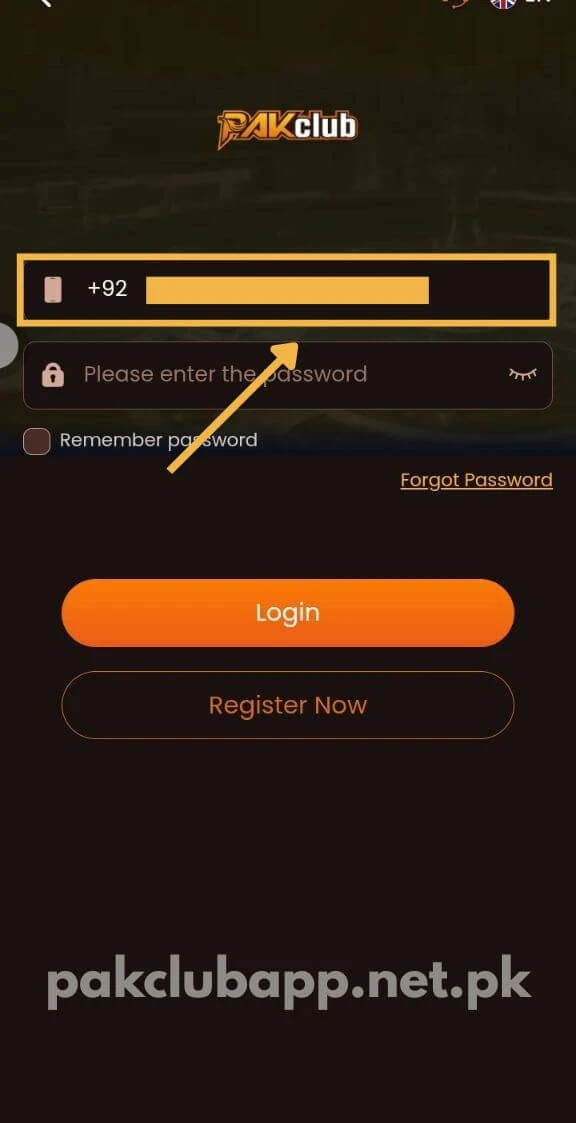
- Launch the Pak Club Game app, or pull up the site in your browser.
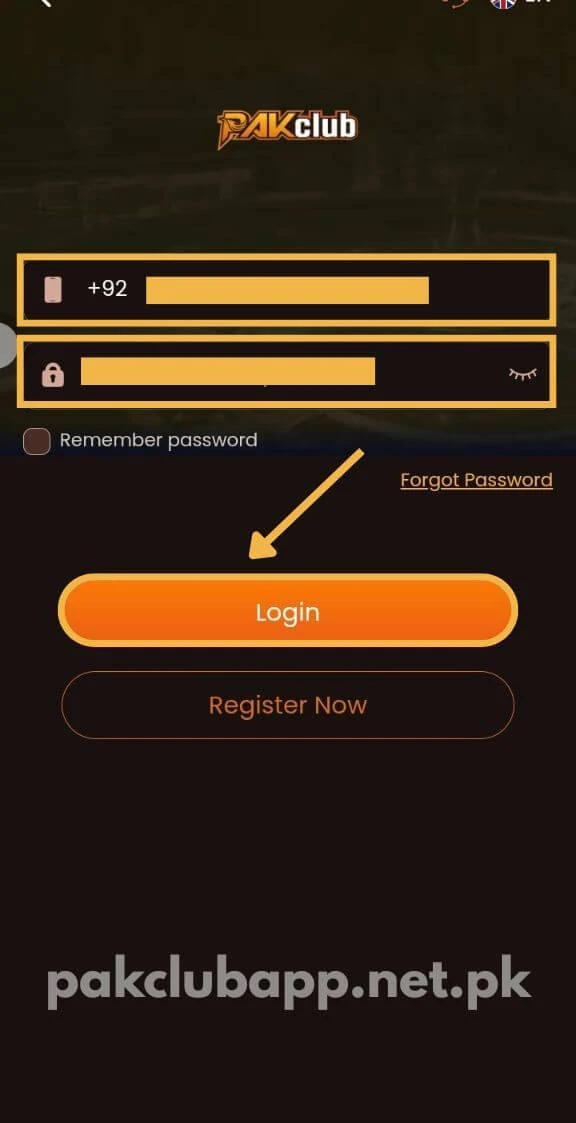
- Tap Login.
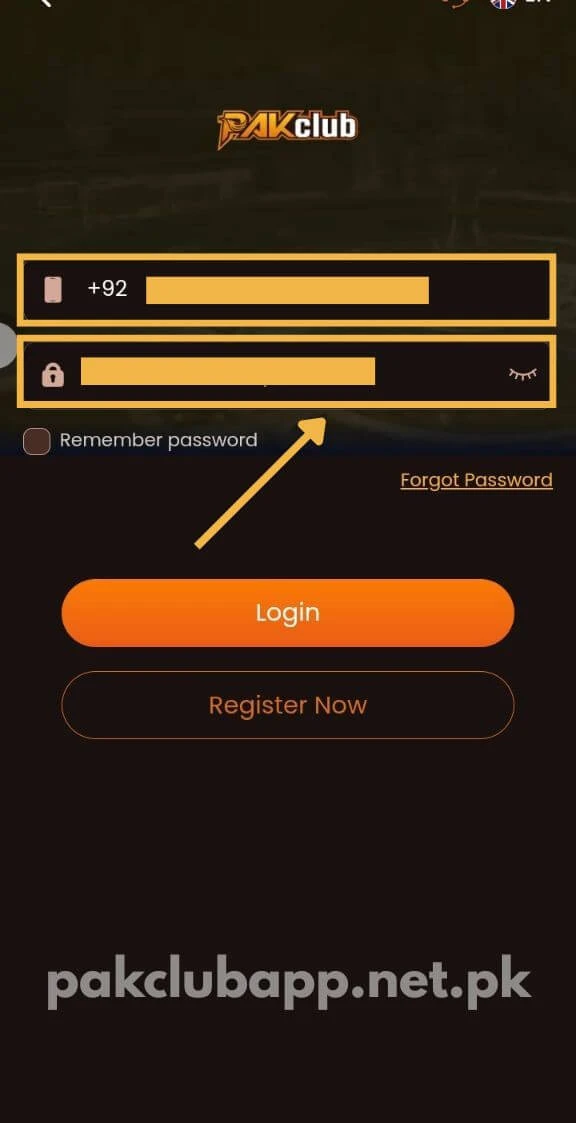
- Put in your registered mobile number or email.
- Type your password – or choose OTP login to get a code by SMS instead.
- If a verification code pops up, enter it from your SMS.
- And you’re in – your dashboard opens, ready to play.
No account yet? Start on the registration page.
Forgot Your Password? No Stress
It happens to all of us. Here’s how to get back in:
- Hit “Forgot Password” on the login screen.
- Put in the mobile number or email you signed up with.
- An OTP arrives by SMS – pop it in.
- Choose a fresh password, and note it down somewhere safe this time.
- Sign in again with the new one.
If that code is slow, wait a minute before requesting a new one.
Logging In on PC and iPhone
Don’t have Android? No worries. Open the browser version on your PC or iPhone and sign in using the same details. A computer can also run the app through an emulator.
Whichever device you pick, your account, balance, and bonuses all carry over.
When Login Won’t Work
Hit a wall? It’s normally one of these, and each is a quick fix:
- Wrong details – A single wrong character blocks you. Type it again slowly. Too many failed tries can pause the account briefly.
- OTP not arriving – Mostly a weak signal. Change spots or hop onto mobile data, then send it again.
- App won’t load – Check your connection, clear the cache, or give the phone a restart.
- Outdated app – Grab the newest Pak Club Game version and retry.
- Still no luck? – Try the self-service center, or message support on live chat.
A Few Login Tips
A few small habits go a long way:
- Keep your password somewhere safe – phone notes or a notepad work.
- Skip public WiFi when logging in, especially around a deposit or withdrawal.
- Double-check you’re on the real app or site, not a copycat.
- If the app lists “last login” or active devices, take a peek once in a while.
Keeping Your Account Safe
This account holds your money, so protect it. Choose a strong password – not one recycled from other sites – and enable two-step login wherever it’s offered.
And honestly, don’t hand your number, password, or OTP to anyone, even if they claim to be support. Genuine support never asks for them.
Notice a login you didn’t make? Change your password right then and there.
A Quick Note on Verification
Good news – you mostly just need your number (or email) and password to log in. No social login needed.
Logging in from a new phone? The app may send an OTP just to confirm it’s really you. And keep in mind, the withdrawal password is a different one from your login password – that second layer protects your money.
Using the Self-Service Center
Locked out or stuck on something? You don’t always need to wait for support. The self-service center lets you sort a lot of it yourself:
- Change your login password or withdrawal password.
- Report a deposit or withdrawal problem.
- Update your e-wallet details.
After you submit a request, you can check the result with the Progress Query button.
Last Word
Enter the right details and you’re inside Pak Club Game within seconds. Forgot your password? The reset only takes a minute.
Got another issue? Live chat is open round the clock. No app yet? Download it from the download page.
FAQs
What do I need to log in to Pak Club Game?
Just your registered mobile number (or email) and password. You can also use OTP login to get a code by SMS instead.
Can I play Pak Club Game on PC?
Yes. The same login opens the website too, so you can play on a computer without installing a thing.
I forgot my password. Will I lose my balance?
No. A “Forgot Password” reset simply lets you back in – your balance is untouched.
Why is my OTP not coming?
Normally it’s the signal. Shift to a better spot or use mobile data, wait a moment, and resend the code.
Why does my login keep failing?
Usually a wrong password, a timed-out OTP, or a poor connection. Sort those and you’re good. Note that repeated wrong tries can lock the account for a while.
Do I need to log in with Google or Facebook?
No. Just your mobile number or email with a password works fine – no social login needed.
What’s the difference between login and withdrawal password?
Your login password gets you into the account. The withdrawal password is a separate one that protects your cash when you take it out.
Can support ask for my password?
Never. Anyone requesting your password or OTP is running a scam – hold those close.
What if I see a login I don’t recognise?
Change your password right away, and turn on two-step login for extra safety.